
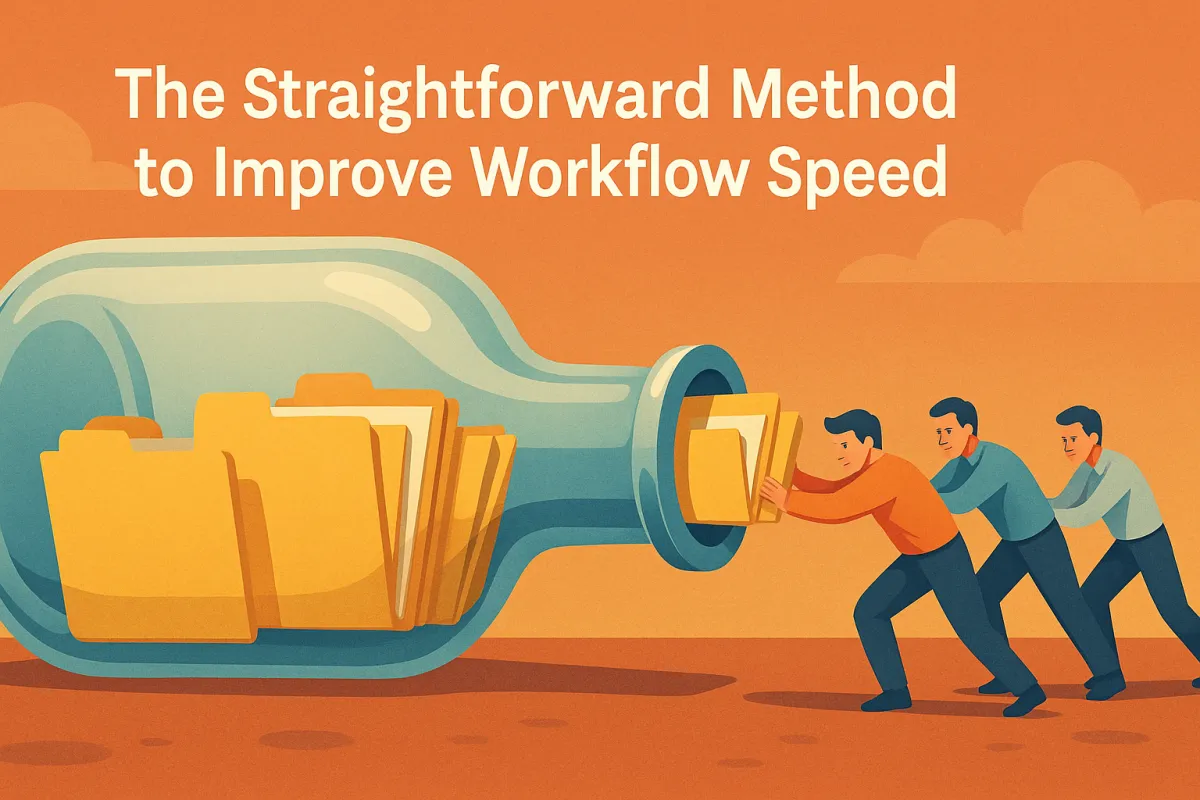
The Straightforward Method to Improve Workflow Speed
Last Updated: November 14, 2025
TL;DR
Workflow speed improves when you remove unnecessary steps, simplify decision making, automate predictable tasks, build clear systems, and focus only on high-value actions. Faster workflows do not come from working harder but from removing friction.
Introduction: Speed Is a Competitive Advantage
In business, speed does not mean rushing. Speed means reducing friction so you can execute with clarity, confidence, and focus.
Most entrepreneurs feel slow and overwhelmed not because the work is difficult but because the workflow is cluttered.
They deal with:
Too many steps
Too many tools
Too many decisions
Too many bottlenecks
Too much switching
Too much unstructured work
Speed is not about intensity.
Speed is about design.
A well designed workflow helps you get more done with less effort. This guide shows you the straightforward method to increase workflow speed by simplifying how you work.
Let us begin.
1. Identify the Bottlenecks That Slow Everything Down
Every workflow has a few critical points where speed collapses.
Common bottlenecks include:
Waiting on decisions
Searching for information
Rewriting the same tasks
Recreating materials
Switching between tools
Unclear steps
Repeated questions
Manual tasks that could be automated
Begin by writing down your entire workflow step by step. Then highlight the spots where you consistently lose time and energy.
Speed improves the moment bottlenecks are removed.
2. Remove Steps That Do Not Add Value
Most workflows contain unnecessary steps added over time without intentional design.
Examples:
Extra reviews
Overcomplicated approvals
Steps added from old processes
Duplicate checks
Unnecessary documentation
Repetitive tasks that no longer matter
Ask yourself:
What step is slowing me down
What step can be combined
What step can be eliminated
What step can be simplified
What step adds no measurable value
Workflow speed improves through subtraction more than addition.
3. Build Clear, Repeatable Systems Instead of Starting From Scratch
A clear system saves hours of mental energy.
Your workflow should include:
Clear steps
Templates
Checklists
Automations
Standard operating procedures
Pre built assets
Default settings
Clear expectations
When every task has a system, you avoid:
Re decision making
Re creation
Overthinking
Guesswork
Chaos
Systems reduce variability and increase speed.
4. Automate the Tasks That Consume Time but Do Not Need Human Input
Many parts of your workflow are predictable. Predictable tasks can be automated.
Examples:
Data entry
File organization
Follow up emails
Lead routing
Calendar scheduling
Notifications
Reminders
CRM updates
Status changes
Automation removes friction by eliminating manual tasks that drain time.
Ask yourself:
What tasks do I repeat daily or weekly
If the answer is yes, automate it.
5. Reduce Decision Fatigue by Pre defining Rules and Defaults
Slow workflows often come from unnecessary decisions.
Reduce decision load by creating:
Standard naming rules
Default file structures
Content templates
Reusable scripts
Pre built sequences
Guidelines for consistent choices
Clear prioritization rules
Pre determined boundaries
Every time you decide, you lose speed.
Every time a rule decides for you, you gain speed.
Defaults are the secret weapon of efficient workflows.
6. Batch Similar Tasks to Reduce Switching Costs
Switching between tasks slows down your brain.
Batching similar tasks increases efficiency.
Examples:
Record videos in one block
Write content in one block
Review messages in one block
Build funnels in one block
Do admin tasks in one block
Deep work in one block
Creative work in one block
By grouping tasks, your brain stays in the same mode long enough to produce results faster.
Context switching kills speed.
Batching restores it.
7. Create a Clear Single Source of Truth for Information
Slow workflows happen when information is scattered across:
Notes
Messages
Documents
Tools
Emails
Folders
A single source of truth centralizes everything.
Examples:
One project management tool
One knowledge base
One team document
One main workflow board
One central reference folder
When everyone knows where information lives, you eliminate search time, confusion, and unnecessary communication.
Speed increases with organization.
8. Use Templates to Eliminate Repetitive Creation Work
Templates save hours. You should have templates for:
Emails
SOPs
Posts
Ads
Reports
Scripts
Proposals
Onboarding sequences
Outlines
Deliverables
Templates reduce work time, improve consistency, and free your mind to focus on higher level actions.
Never start from a blank page if you can start from a template.
9. Implement the 80 Percent Rule to Avoid Over optimizing
Most slow workflows come from perfectionism.
The 80 percent rule states:
Get the work to a high quality 80 percent completion quickly, then refine only what actually matters.
This prevents:
Endless tweaking
Second guessing
Constant revisions
Over editing
Unnecessary perfection
Speed improves when you finish early and iterate purposefully.
Done is better than slow.
10. Assign Ownership Clearly to Avoid Delays
A workflow slows down when no one knows who is responsible for what.
Assign:
One owner per task
One owner per deliverable
One owner per system
One owner per decision
One owner per outcome
Ownership eliminates:
Back and forth messages
Blame shifting
Unclear responsibilities
Multi person confusion
When ownership is clear, workflow speed increases instantly.
11. Reduce Tool Overload by Choosing a Simple, Integrated Stack
Too many tools create friction.
Choose a simple tool stack that includes:
Project management
Automation
Communication
Content storage
CRM or customer tracking
Analytics
The goal is not to have more tools.
The goal is to reduce friction.
Every tool added should either save time or remove a bottleneck.
If it does not, remove it.
12. Create Time Blocks for Deep Work to Maximize Focus
Deep work is uninterrupted focus time.
To improve speed:
Work in blocks
Silence notifications
Close unused tabs
Eliminate distractions
Protect your time
Communicate boundaries
Deep work increases output by reducing interruptions.
Even one hour of deep work per day can double your speed.
13. Review Your Workflow Weekly and Remove What Slows You Down
Workflows must evolve.
Weekly, ask:
What slowed me down this week
What repeated tasks bothered me
What steps felt unnecessary
What tasks could be automated
What information was missing
What bottlenecks reappeared
Continuous refinement creates continuous efficiency.
Speed is a system, not a sprint.
Conclusion: Speed Comes From Subtraction, Not Addition
Improving workflow speed is not about doing more.
It is about designing better.
The straightforward method to increase speed is built on:
Removing unnecessary steps
Eliminating bottlenecks
Automating predictable tasks
Reducing decision fatigue
Using templates
Building simple systems
Batching work
Centralizing information
Creating clarity
Reviewing regularly
When your workflow is clean, organized, and intentional, your execution becomes fast, your output becomes consistent, and your results multiply.
Speed is not a talent.
Speed is a design choice.
Mail
Facebook
LinkedIn
X
Pinterest
Reddit
Snapchat